
November 16, 2026
Change one part of a picture and keep the rest
When one part of a picture is wrong, you don't have to start over. Mark it, say what you want there, and Ainex changes that part.
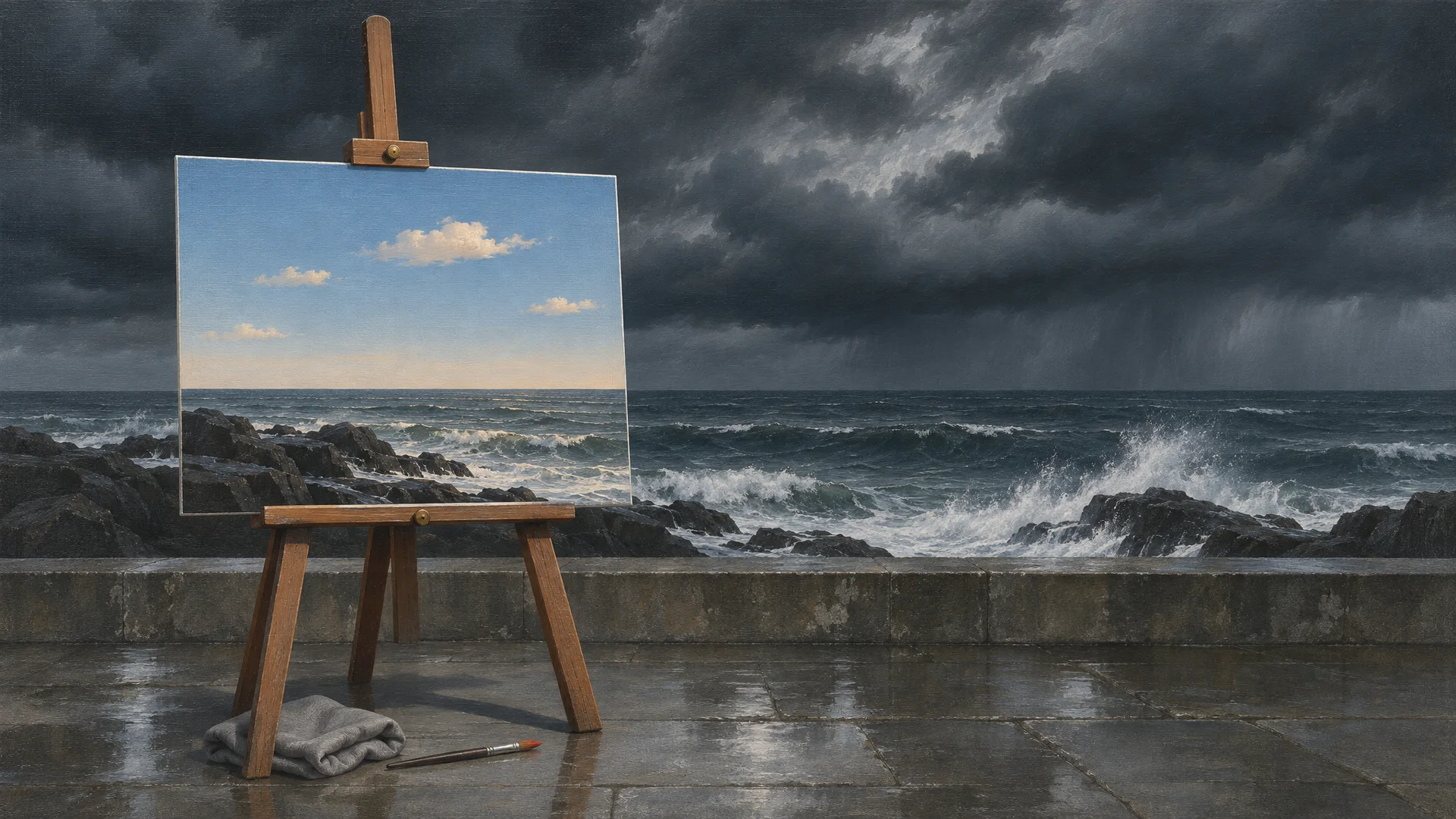
We asked Ainex for an oil painting of a fishing harbour. What came back had everything we wanted: red boats pulled up on the shingle, a row of white cottages, one lit window. It also had a sky that was a bit much, storm clouds from edge to edge and rain on the way.
The usual fix is to ask again and hope. But a new picture is a new picture. The boats move, the cottages change, and the window you liked is gone. We didn't want another harbour. We wanted this one, under a different sky.
Mark the part you want to change
Click the picture and it opens beside the chat. Choose Mark what to change and the picture fills the window. Drag a box around the sky, and a numbered line appears on the right for what you want there.
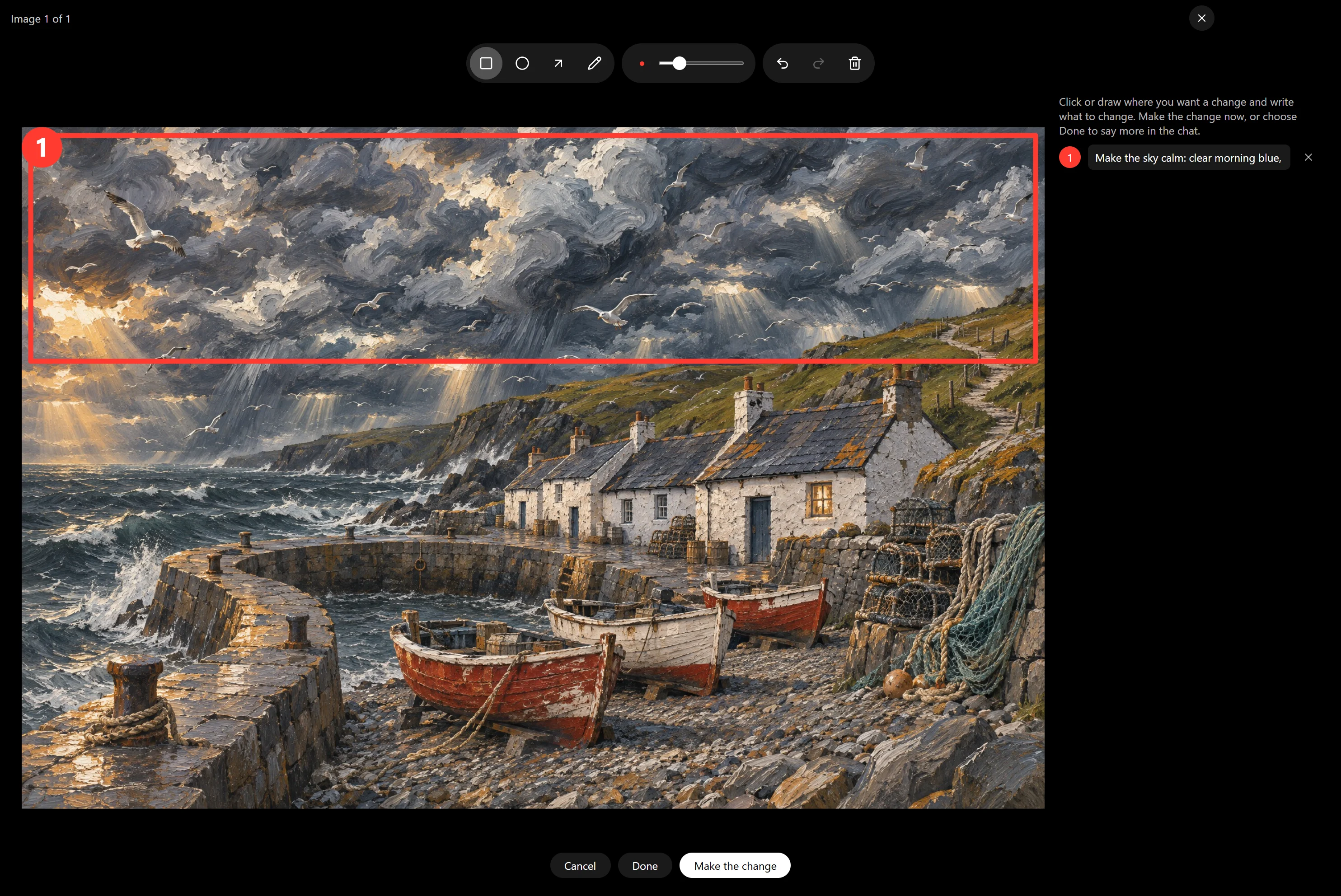
Write it the way you'd tell a colleague, then choose Make the change.
Try itMake the sky calm: clear morning blue, a few small clouds, no rain.
What comes back
The new picture arrives in the same conversation, right under the one you marked, so you can look from one to the other. Ours took under a minute.
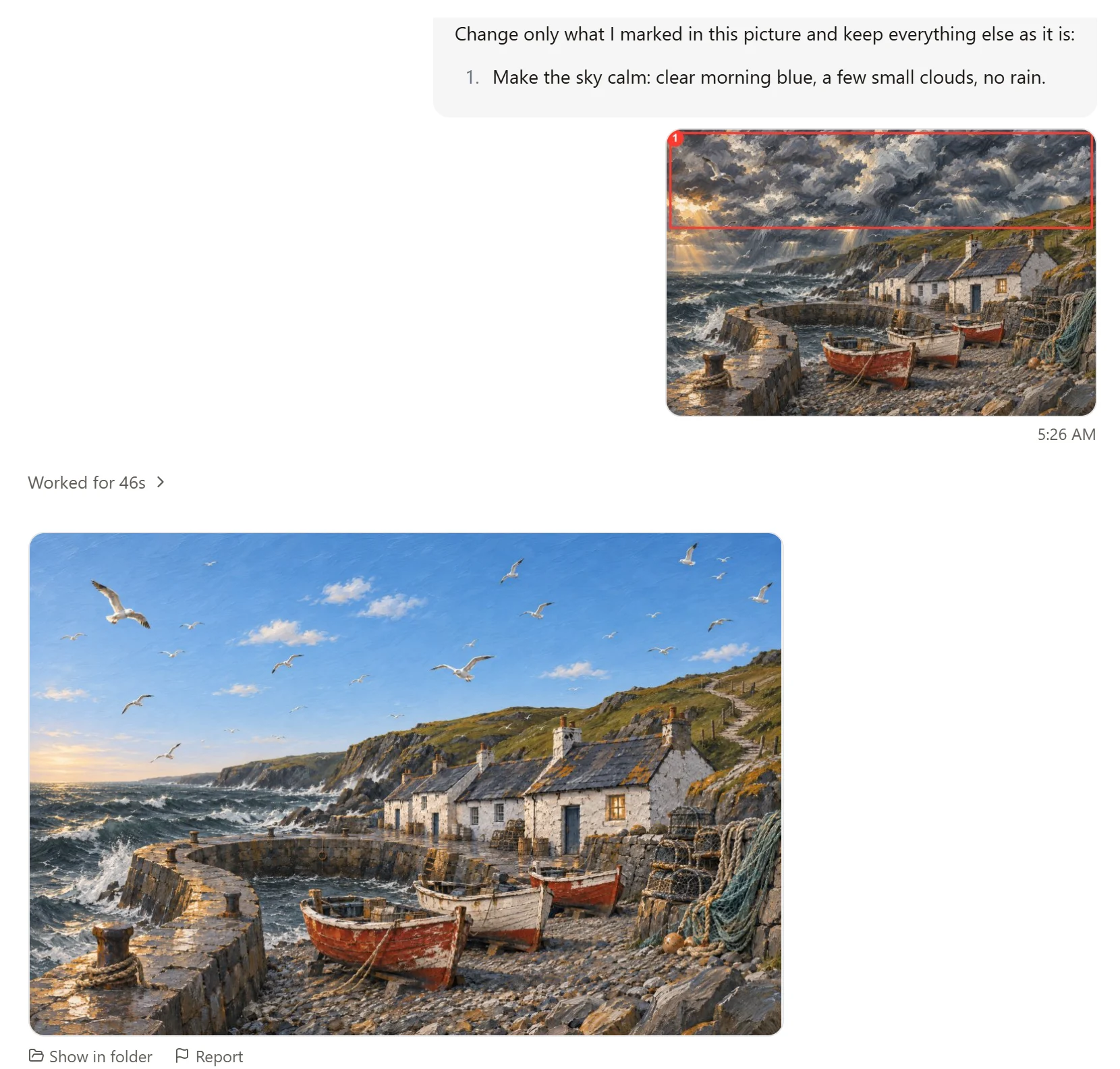
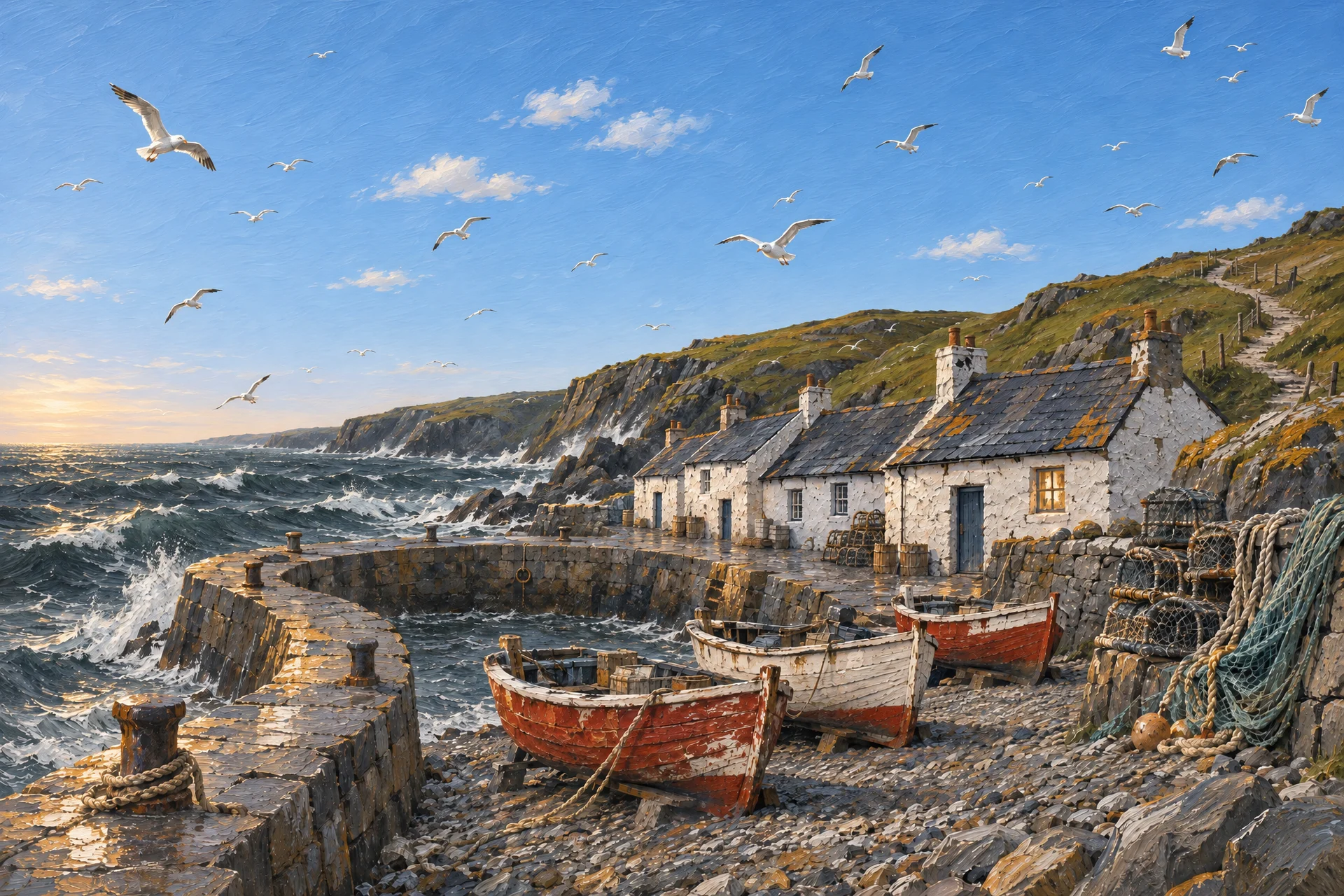
One thing to know: Ainex redraws the picture around your change rather than pasting a patch into it. That is why the new sky sits naturally in the scene instead of looking stuck on. It also means small details outside the box can shift a little. If something you cared about moved, mark it and say so.
A few more things
You are not limited to one box. Mark up to twelve places in a picture; each box gets a number, so you can say what should happen in each.
If something should not be there, a stray cup or a passer-by, use Erase instead. Paint over it, and it is gone.
More from the blog
November 16, 2026
Take a picture apart into layers
A finished picture is one flat sheet. Ainex can lift its parts out, each on its own layer, so you can move them, restyle them, or carry on in Photoshop.
November 16, 2026
Turn a picture into a vector you can edit
A logo that has to go on a pen and on a van can't be a grid of pixels. Ainex turns a picture into an SVG: shapes you can scale to any size and edit point by point.
November 16, 2026
One picture, every shape it needs to be
The square that works in a feed is wrong for a story and wrong for a banner. Ask Ainex for another shape and it fills in the new space to match, instead of cropping or stretching.