
November 16, 2026
Turn a picture into a vector you can edit
A logo that has to go on a pen and on a van can't be a grid of pixels. Ainex turns a picture into an SVG: shapes you can scale to any size and edit point by point.
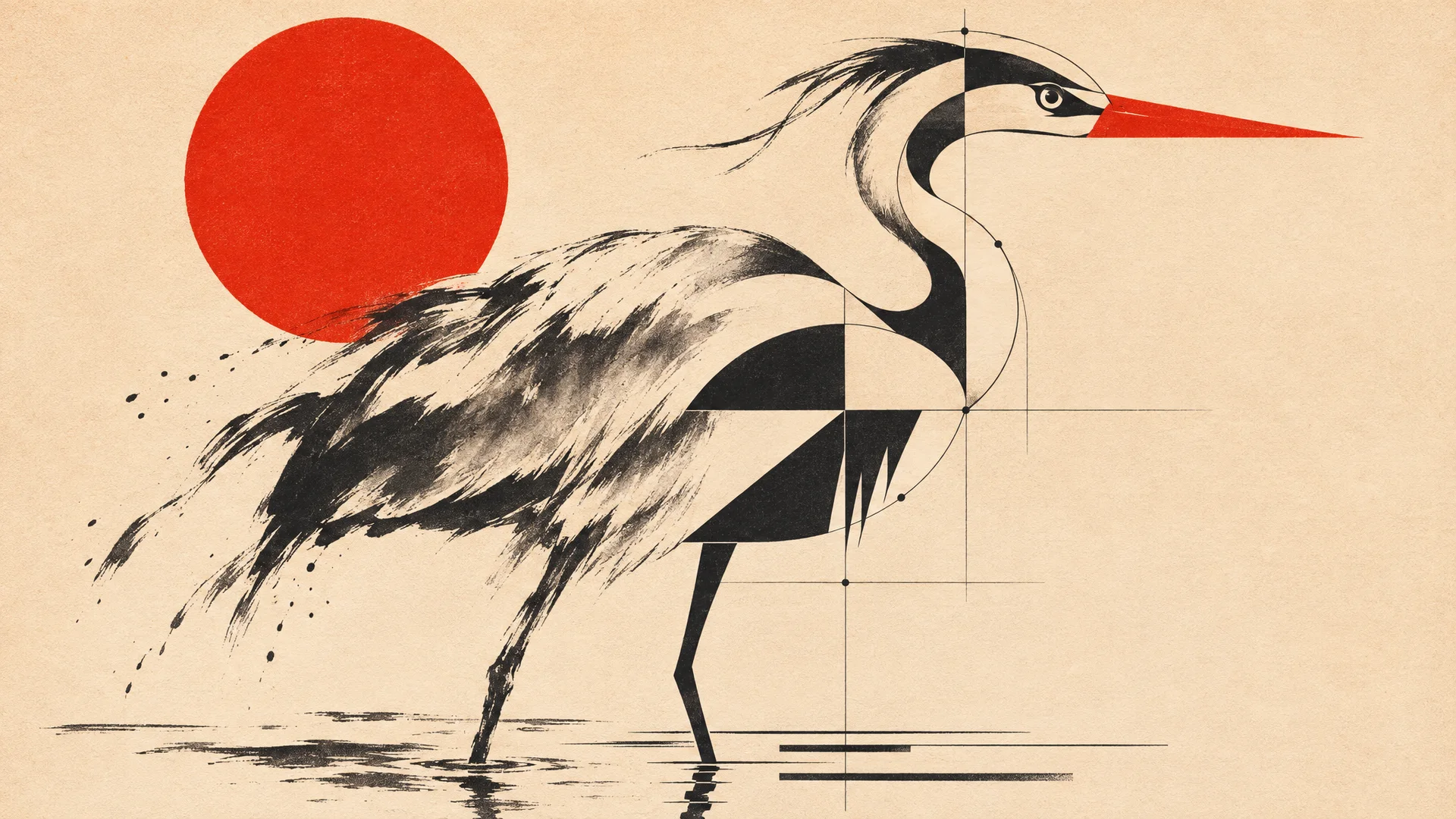
We drew a heron for a studio's logo: flat shapes, three colours, a red sun. It looked right on screen. Then the printer asked for a vector file, and what we had was a PNG, a grid of coloured squares. Blow a PNG up for a shop sign and its edges turn soft and stepped.
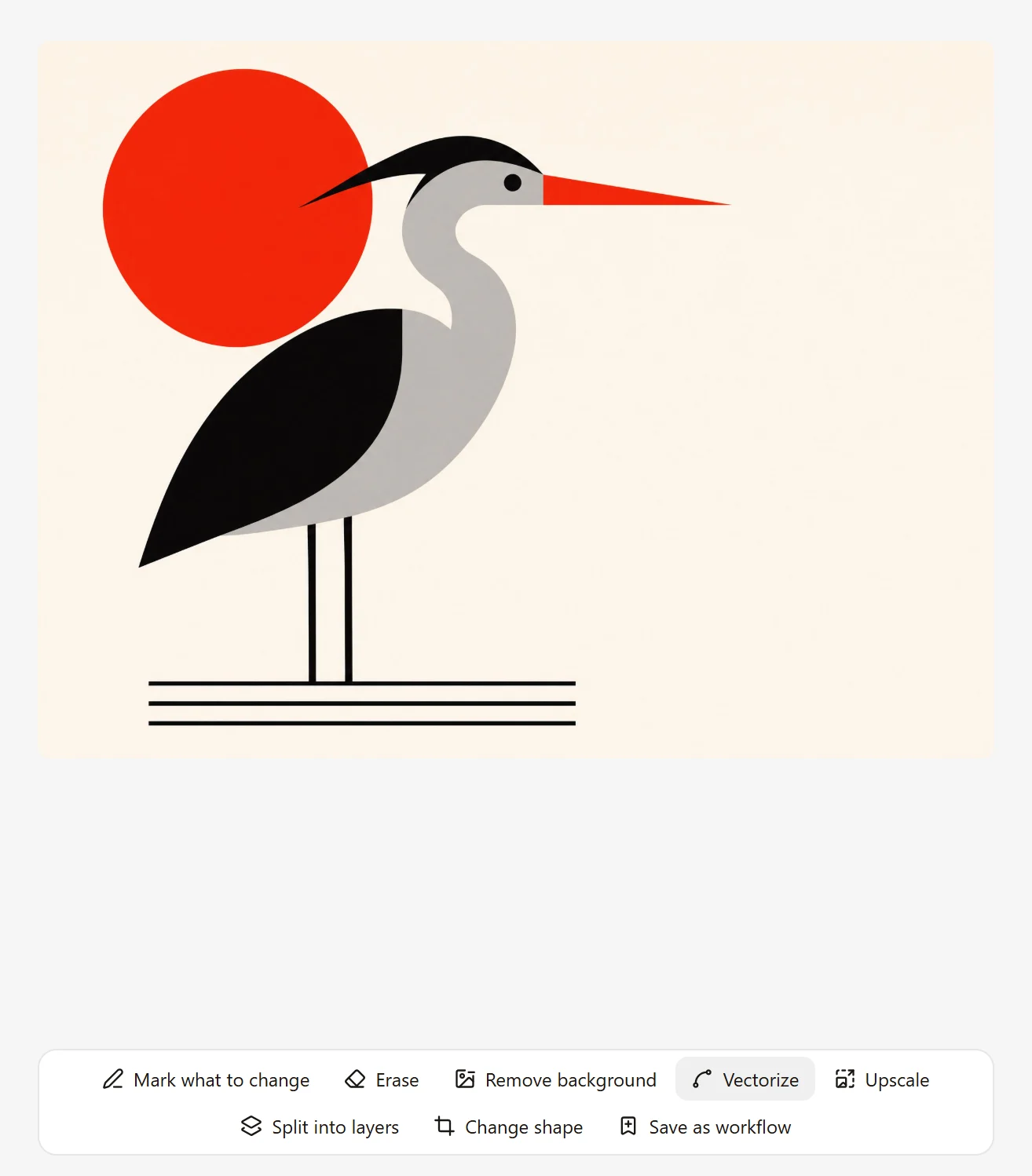
Vectorize it
Choose Vectorize, then Clean shapes. Ours took thirteen seconds. What comes back is an SVG file: the same heron, described as shapes instead of squares.
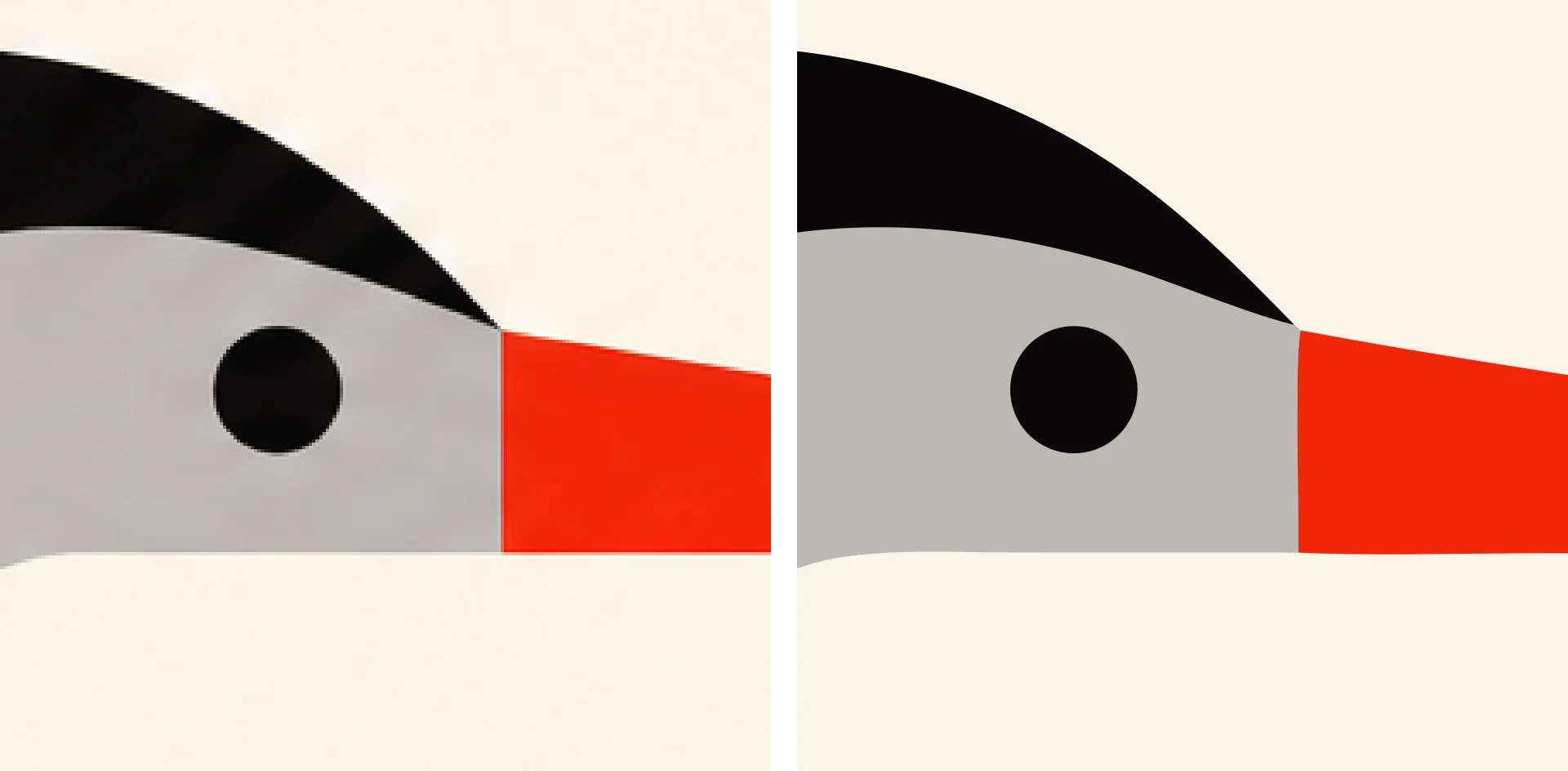
Our heron came back as twelve shapes, in a file of under 8 KB. Open it in Illustrator, Figma or Inkscape and each shape is there to select. Recolour the sun, pull a point on the beak, delete the water. And it prints at any size with the same clean edge.
Which pictures work
Vectors are made of flat shapes, so flat pictures make good ones: logos, icons, posters, line drawings, anything with clear edges and a few colours.
We also tried a soft ink-wash painting of the same bird, and it did not go well. The greys came back as brown patches, and the file held 2,606 shapes.
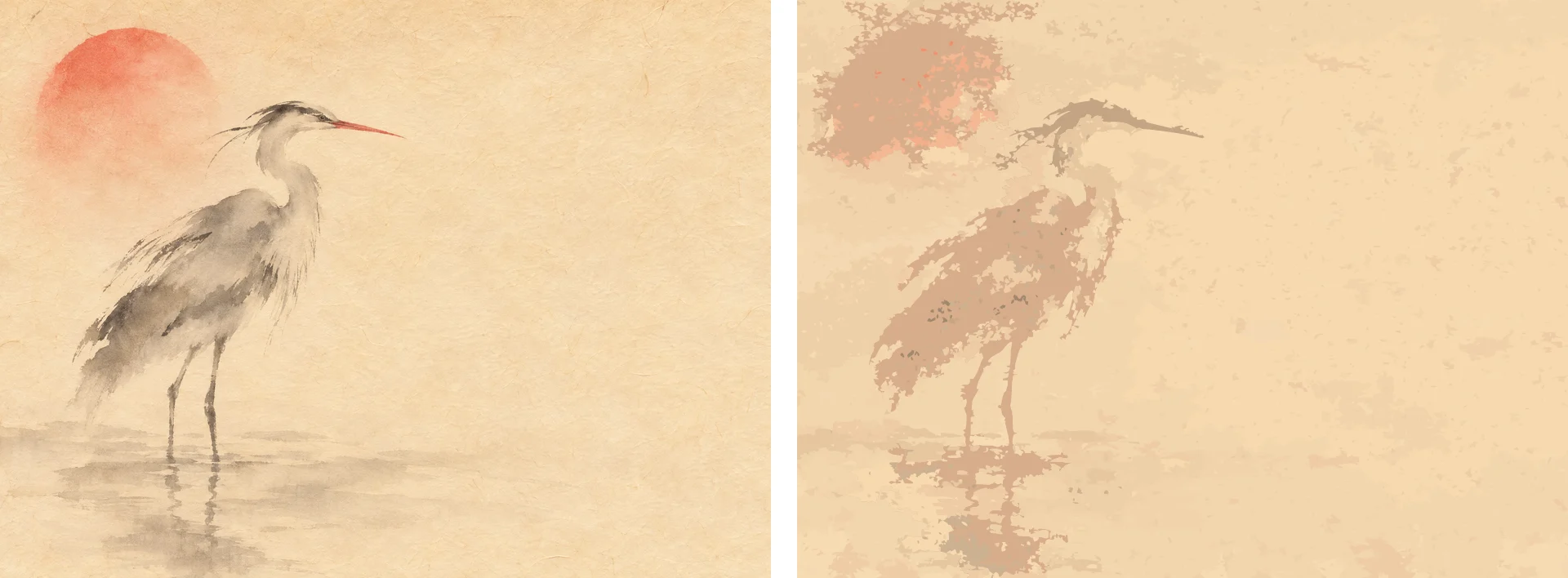
Washes and photographs are not what vectors are for. Keep those as pictures.
Two ways to do it
Vectorize offers two options. Clean shapes keeps things simple, and is what we used for the heron. More detail holds on to gradients and lettering when a picture has them.
More from the blog
November 16, 2026
Change one part of a picture and keep the rest
When one part of a picture is wrong, you don't have to start over. Mark it, say what you want there, and Ainex changes that part.
November 16, 2026
Take a picture apart into layers
A finished picture is one flat sheet. Ainex can lift its parts out, each on its own layer, so you can move them, restyle them, or carry on in Photoshop.
November 16, 2026
One picture, every shape it needs to be
The square that works in a feed is wrong for a story and wrong for a banner. Ask Ainex for another shape and it fills in the new space to match, instead of cropping or stretching.