
November 16, 2026
One picture, every shape it needs to be
The square that works in a feed is wrong for a story and wrong for a banner. Ask Ainex for another shape and it fills in the new space to match, instead of cropping or stretching.
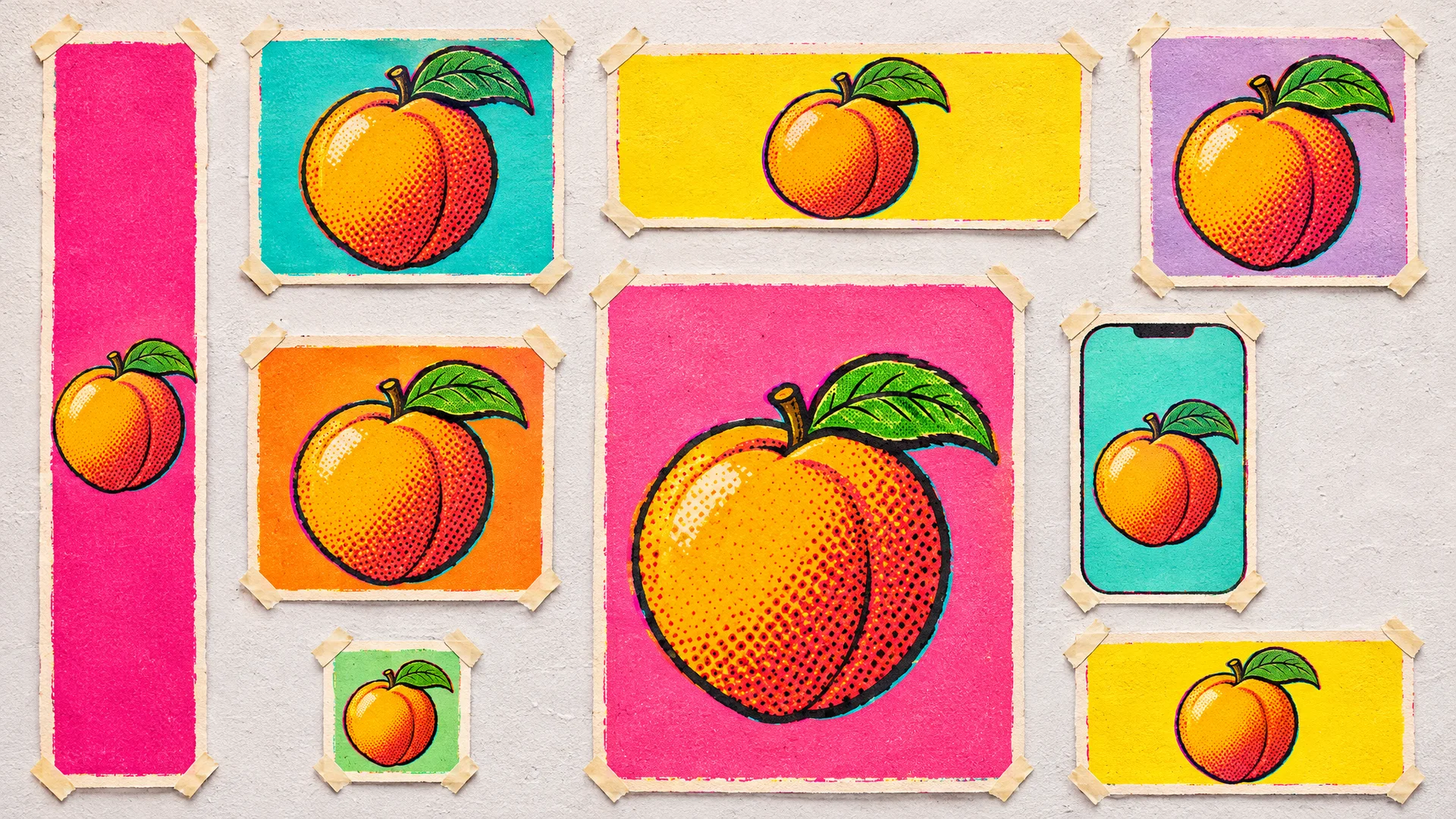
We made a peach print for the opening of a fruit stall. It was square, for their feed. The next message was predictable: could they have it for a story as well, and a wide one for the website.
There are two quick ways to do that, and both are bad. Crop the square into a tall strip and most of the peach is gone. Stretch it and you get a peach nobody wants to eat.
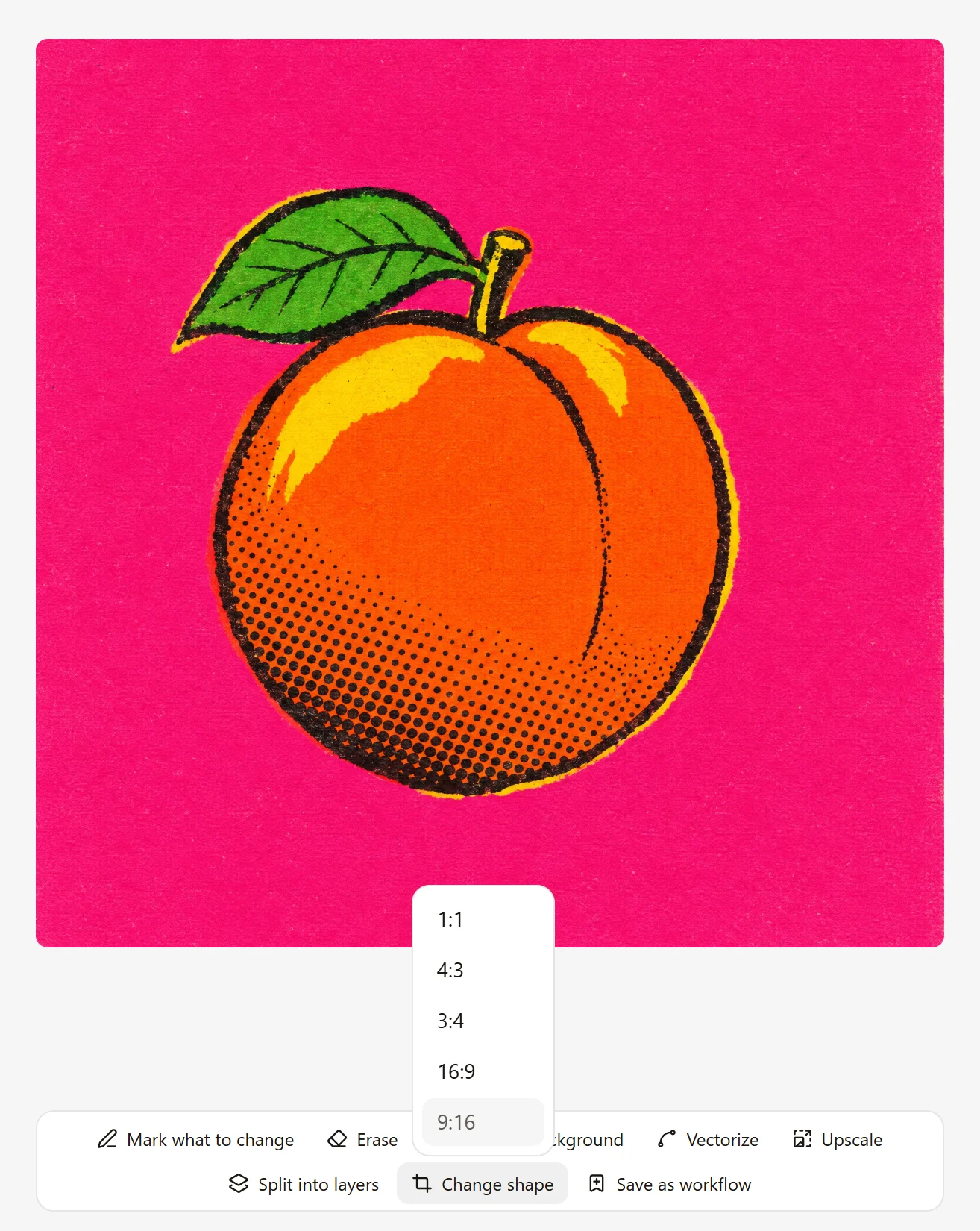
Change shape
Open the picture beside the chat, choose Change shape, then pick the shape you need. Ainex keeps the picture as it is and fills in the new space to match. Ours took under a minute each.
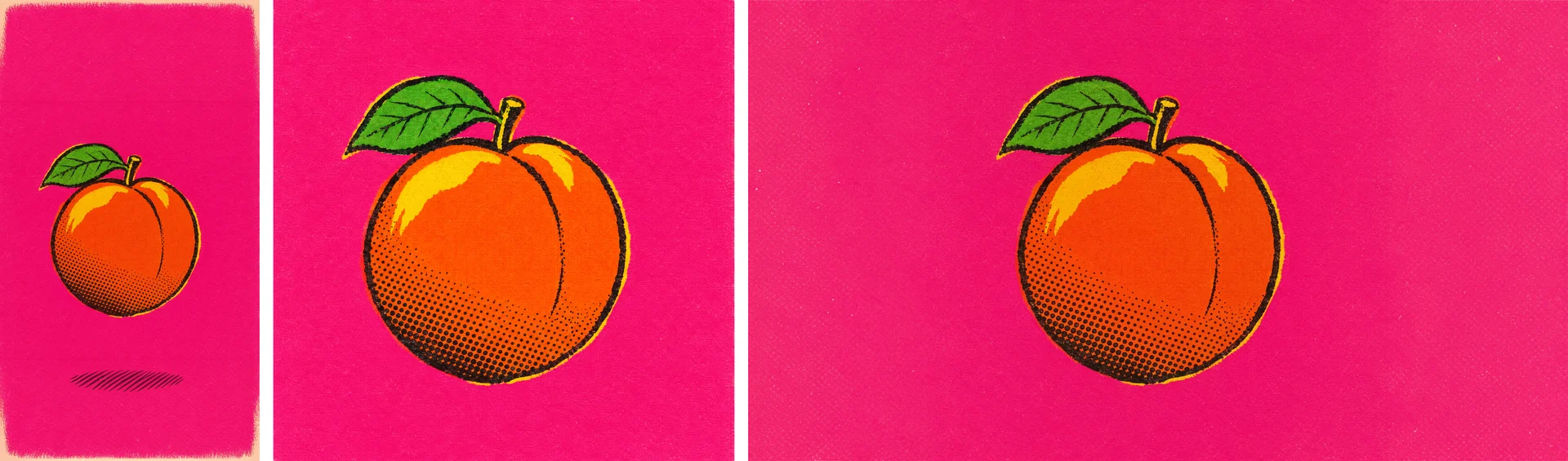
In the tall version, the peach sits where a story wants it, with the pink carried up and down, and Ainex added a small printed shadow under it. In the wide one, it has room on both sides for a headline. The peach itself is the one we started with.
One thing to know: look closely where the new space meets the old. Our tall version has a faint line in the pink near the top. Put the versions side by side before you send them out.
Or ask in the chat
You don't have to open the picture. If you already know what you need, say so.
Try itMake this one 16:9 for the website banner.
More from the blog
November 16, 2026
Change one part of a picture and keep the rest
When one part of a picture is wrong, you don't have to start over. Mark it, say what you want there, and Ainex changes that part.
November 16, 2026
Take a picture apart into layers
A finished picture is one flat sheet. Ainex can lift its parts out, each on its own layer, so you can move them, restyle them, or carry on in Photoshop.
November 16, 2026
Turn a picture into a vector you can edit
A logo that has to go on a pen and on a van can't be a grid of pixels. Ainex turns a picture into an SVG: shapes you can scale to any size and edit point by point.