
November 16, 2026
Talk to Ainex instead of typing
Your hand is on the tablet and your eyes are on the canvas. Say what you need out loud and keep working while it gets done.
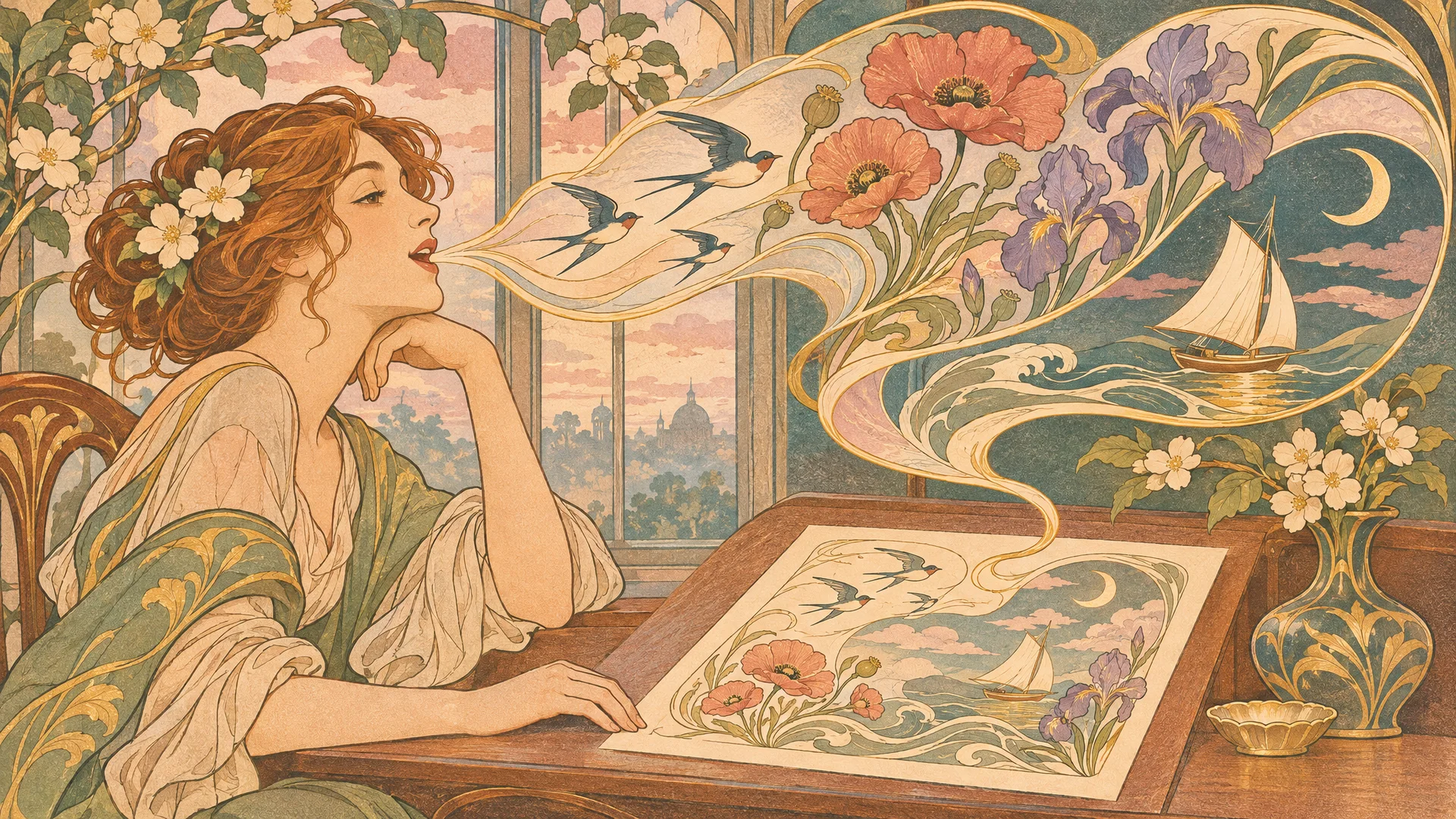
Halfway through a drawing is a bad moment to stop and type. You need a poster for Saturday's market, the reference photos renamed, last week's brief found again. Each of those is a trip to the keyboard and back.
So don't make the trip. Start a voice conversation and ask.
Start talking
Beside the message box there is a button, Start a voice conversation. Click it, allow the microphone the first time, and speak the way you would to someone across the desk.
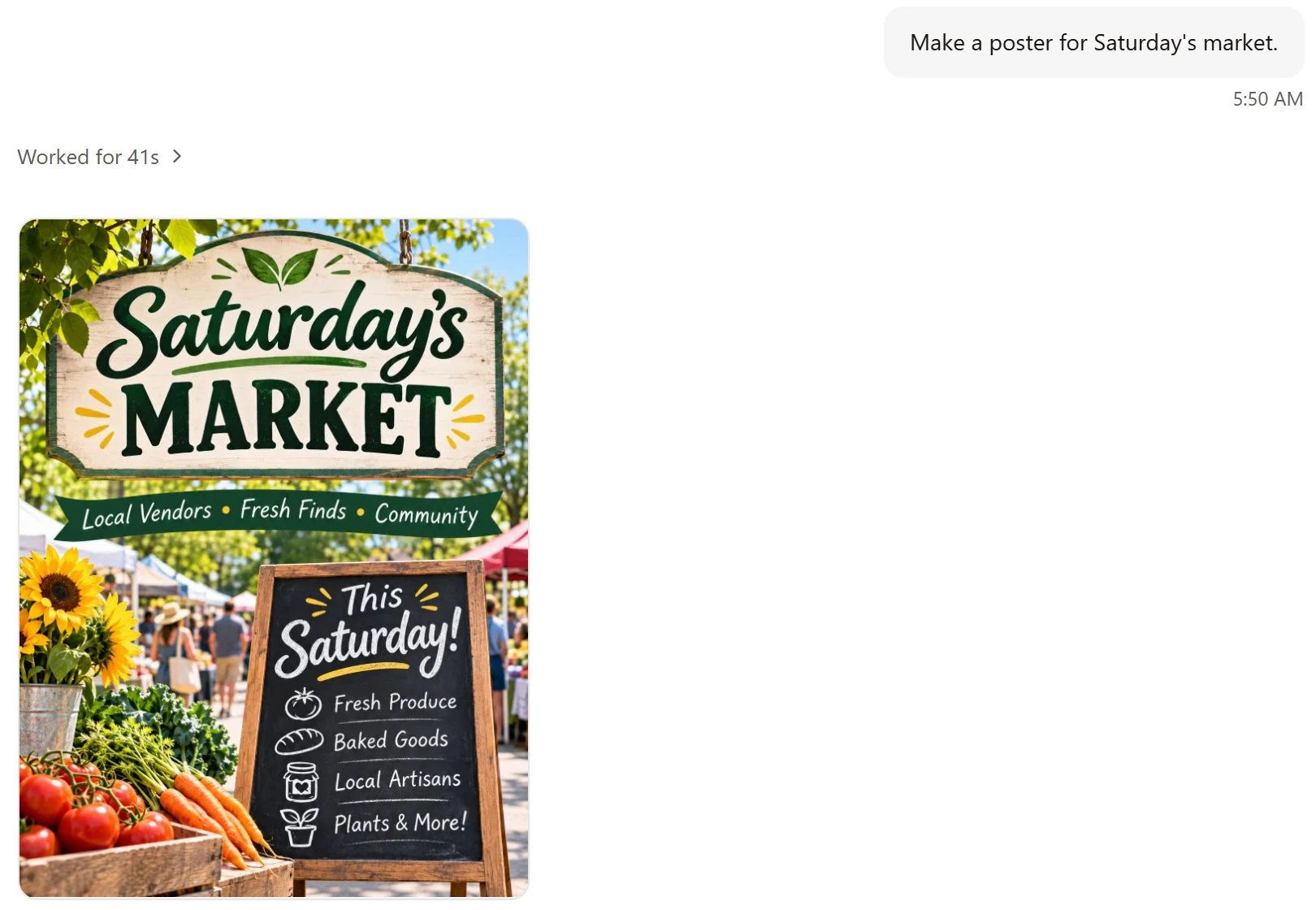
Try itMake a poster for Saturday's market.
Ainex answers out loud ("I'm on it.") and gets on with the job. You go back to your drawing. Ours had the poster ready in under a minute, and then said so: "Your poster for Saturday's market is ready in the chat."
It is the same Ainex
Voice is another way in, not a smaller version of the app. What you could type, you can say: ask for pictures, have files sorted, send it to search the web.
The rules stay the same too. Before it touches anything outside your work folder, Ainex asks first, as it does when you type.
Things to know
You can mute the microphone without ending the conversation. A conversation that goes quiet ends on its own. A long one stops at its time limit; start it again to carry on. If you would like a different voice, choose another voice service in Settings.
If you only want to speak one message rather than hold a conversation, use Dictate. It turns what you say into text in the message box.
More from the blog
November 16, 2026
Change one part of a picture and keep the rest
When one part of a picture is wrong, you don't have to start over. Mark it, say what you want there, and Ainex changes that part.
November 16, 2026
Take a picture apart into layers
A finished picture is one flat sheet. Ainex can lift its parts out, each on its own layer, so you can move them, restyle them, or carry on in Photoshop.
November 16, 2026
Turn a picture into a vector you can edit
A logo that has to go on a pen and on a van can't be a grid of pixels. Ainex turns a picture into an SVG: shapes you can scale to any size and edit point by point.